Why this shift matters (minus the buzzwords)
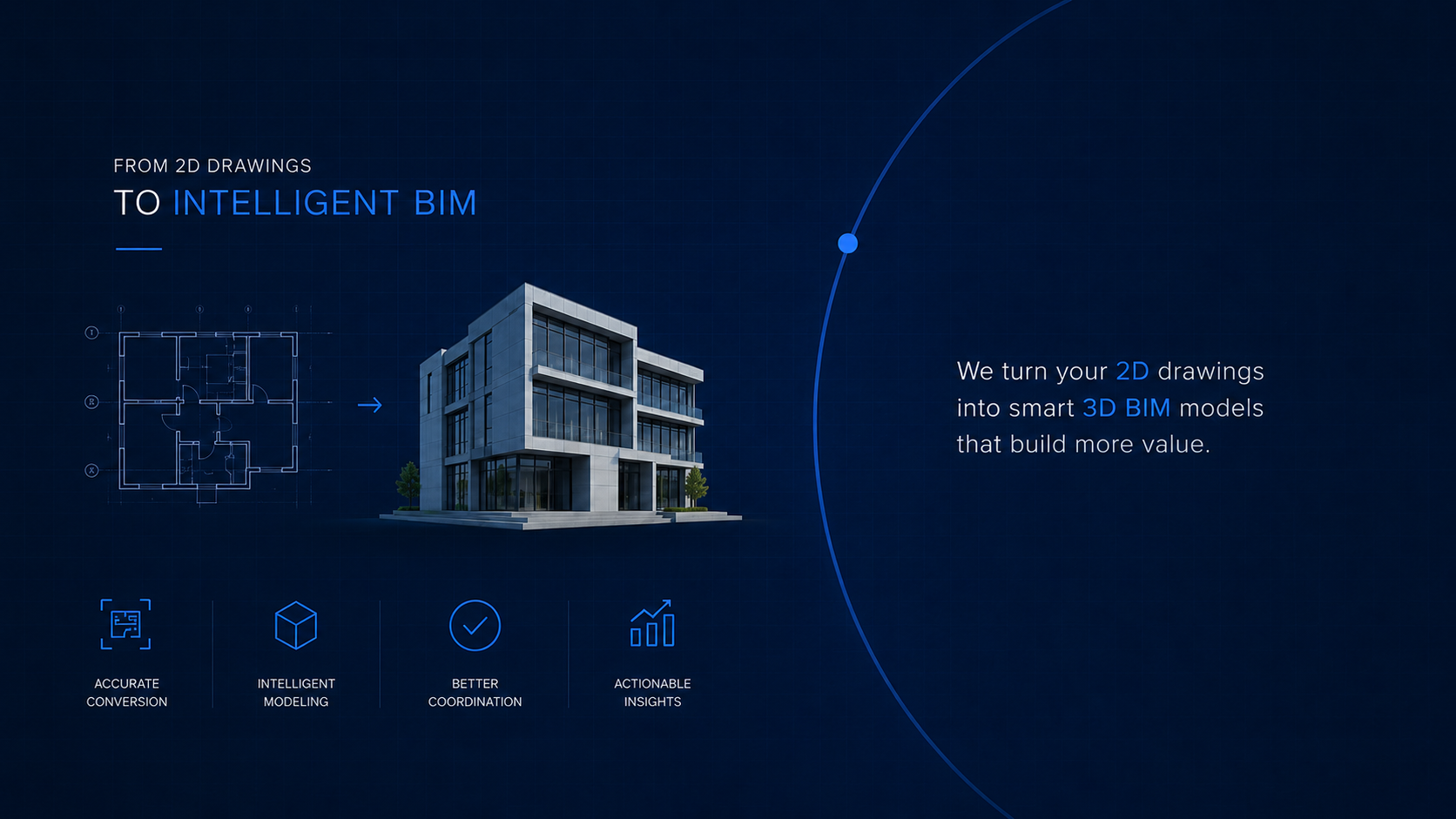
Most firms still straddle two worlds: legacy CAD files on one side, growing BIM deliverables on the other. The move from CAD to BIM isn’t about ripping everything up or chasing the latest tools. It’s about creating reliable foundations—so models support design intent, coordination, and approvals instead of slowing teams down.
Adding AI-assisted modeling comes later. When done right, it builds on solid CAD to BIM standards and workflows, moving routine work off your team’s plate while people focus on decisions that actually need human judgment.
Think in phases:
- tidy up CAD to BIM conversions and standards,
- stabilise exchanges with IFC and information rules,
- then add AI helpers where they save real time.
CAD to BIM: get the foundations right
What good looks like
- Convert 2D into structured Revit models tied to sheets, views, and schedules.
- Align to a simple BEP, shared coordinates, naming, and title-block rules.
- Exchange open data using IFC when it helps cross-tool collaboration.
Helpful references
- buildingSMART on IFC (what it is and why it’s vendor-neutral): Intro (buildingSMART Technical) and IFC overview. (buildingSMART Technical)
- ISO 19650 info-management suite (BEP, delivery/operations, security): BSI overview. (BSI)
Mature BIM ops: make coordination repeatable
Once models are stable, make coordination boring (in a good way):
- Federate models, run clash checks, and keep issue logs consistent.
- Use open standards where it helps: IFC for data, BCF/IDS for exchange and requirement checking (buildingSMART: Standards & IDS/BCF). (buildingSMART International)
Add AI-assisted modeling (where it actually helps)
Start small. Pick places where rules are clear and repetition is high.
1) Generative design for fast option studies
Define goals and constraints, then generate alternatives and shortlist the one that meets your rules inside Revit. Autodesk primers: Generative Design for AEC. (Autodesk)
2) Scan-to-BIM with ML-assisted segmentation
Use computer-vision tools to segment walls, slabs, openings, and main MEP trunks from a point cloud; model only what the scope needs for as-built BIM. A solid primer: Automatic Scan-to-BIM & Semantic Segmentation (MDPI). For methods, see Scan-to-BIM mapping in GIS (MDPI). (MDPI)
3) Automated QA + issue surfacing
Script checks for naming, parameters, and required views. Push likely conflicts to your clash detection dashboard for review.
A two-week pilot (keeps risk low, results clear)
Week 1
- Choose a small zone or single system route.
- Write constraints, outputs, and LOD in your BEP.
- Run generative design or scan-to-BIM (not both). Shortlist with the team.
Week 2
- Develop the chosen option, log hours vs baseline, capture three screenshots.
- Update your standards with one rule you’ll keep next time (naming, view template, or export).
Measure: time saved in BIM modeling, open clashes pre/post, first-pass approval rate.
What to keep doing as you scale
- Keep IFC clean for exchanges (and version it).
- Keep ISO 19650 habits light but consistent.
- Use BCF/IDS where issue and requirement traffic gets busy.
- Add AI only where scope is clear and results are reviewable.
Frequently Asked Questions
Q1. Why is CAD to BIM still the foundation before AI-assisted modeling?
AI-assisted modeling only works on stable foundations. Most firms still straddle two worlds — legacy CAD on one side, growing BIM deliverables on the other. The move from CAD to BIM gives you structured models tied to sheets, views, and schedules, aligned to a simple BEP and shared coordinates. Without that foundation, AI helpers accelerate a chaotic process and produce noisy results. Tidy the CAD to BIM conversion first, stabilize exchanges with IFC, then add AI where it saves real time.
Q2. What does a good CAD to BIM workflow look like?
A good CAD to BIM workflow converts 2D drawings into structured Revit models tied to sheets, views, and schedules — not just 3D geometry sitting in isolation. It aligns to a simple BIM Execution Plan with shared coordinates, naming conventions, and title block rules. Open data exchange uses IFC where it helps cross-tool collaboration. The goal isn’t to model in 3D for its own sake; it’s to create a coordinated information source that supports design intent, coordination, and approvals.
Q3. Where does AI fit on top of CAD to BIM workflows?
Three high-value spots: generative design for fast option studies (define goals and constraints, generate alternatives, develop the winner in Revit), scan-to-BIM with ML-assisted segmentation to convert point clouds into as-built models without manual tracing every wall, and automated QA that checks naming, parameters, and required views before sheets go out. Each builds on the CAD to BIM foundation — you can’t run generative design on a model that doesn’t follow your BEP, and you can’t run QA on inconsistent naming.
Q4. What standards should govern the CAD to BIM and AI transition?
Three standards do the heavy lifting. ISO 19650 for information management — light but consistent BEP, shared CDE, predictable handovers. IFC for vendor-neutral data exchange across tools and disciplines. BCF and IDS for issue tracking and requirement checking when traffic gets busy. These aren’t bureaucracy — they’re the rails that keep CAD to BIM conversions reliable and let AI-assisted modeling produce reviewable results instead of black-box outputs.
Q5. How do you pilot AI on top of an existing CAD to BIM process?
Run a two-week pilot on a small scope to keep risk low. Week 1: choose a small zone or single system route, write constraints, outputs, and LOD in your BEP, then run generative design or scan-to-BIM (not both — focus matters). Week 2: develop the chosen option, log hours vs baseline, and capture three screenshots showing before/after. Update your standards with one rule you’ll keep — naming, view template, or export format. Measure time saved, open clashes pre/post, and first-pass approval rate.
Q6. What is the biggest mistake AEC firms make moving from CAD to BIM to AI?
The biggest mistake is skipping the middle — trying to jump from CAD straight to AI without stabilizing BIM operations first. AI on a chaotic model base produces noisy, unreviewable outputs that erode trust in the whole approach. The reliable path is sequential: tidy CAD to BIM conversions and standards first, then make federated coordination and clash detection boring (in a good way), then add AI helpers where rules are clear and repetition is high. Each phase earns the next.