
A quick reality check
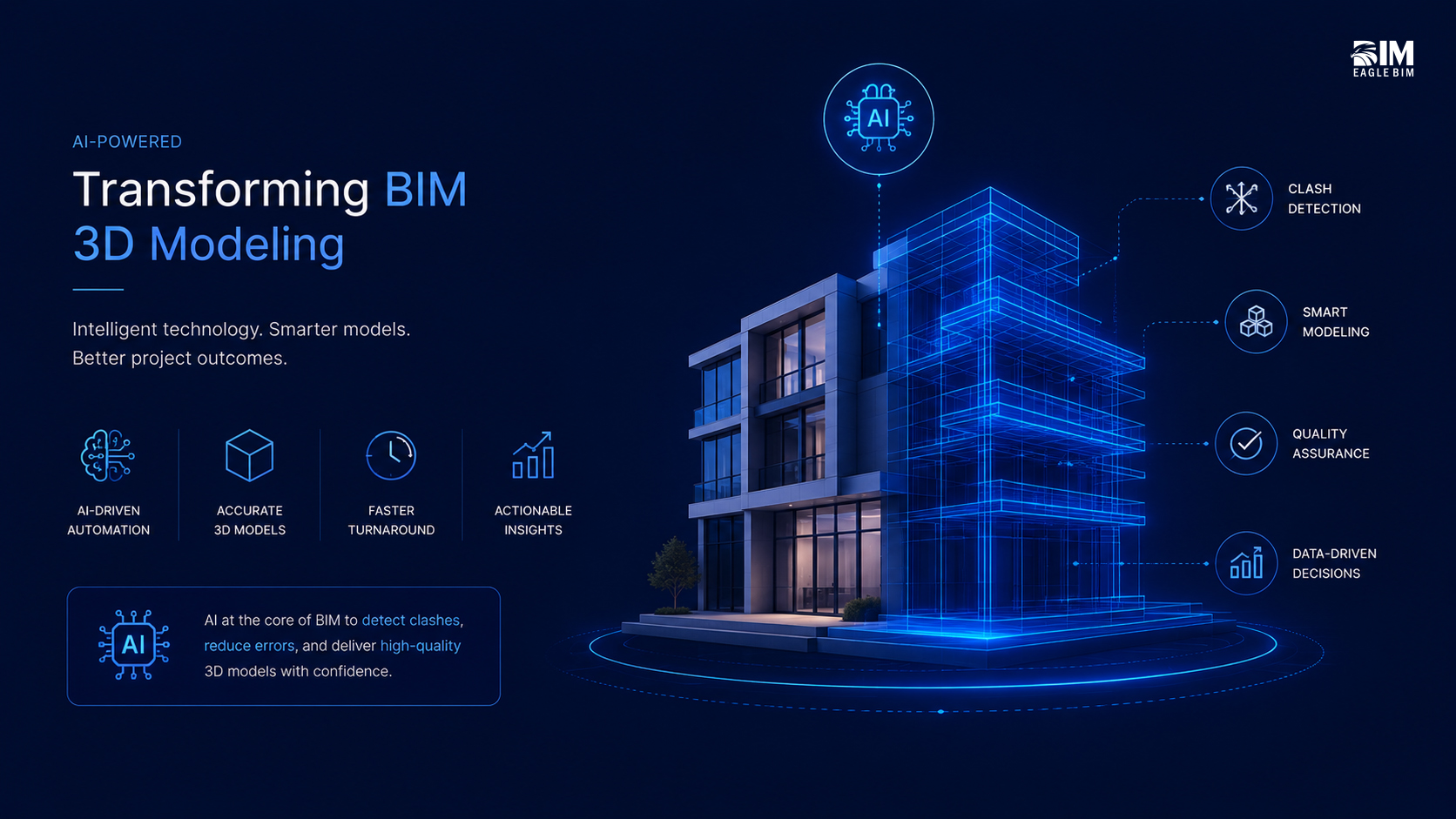
Most days in BIM 3D modeling still look like this: nudge a wall to grid, trace a point cloud, fix a tag, run clash detection, repeat. AI won’t “do BIM” for you. But it will take off the repetitive load so your team can focus on design intent and decisions. Think generative design for fast options, scan-to-BIM for cleaner as-builts, and lightweight QA that keeps sheets review-ready.
If you like the sound of fewer loops and cleaner handoffs, read on.
What’s actually changing in BIM 3D modeling
Generative design (structured options, fast)
Define goals and constraints, let the engine produce alternatives, then shortlist and develop the winner in Revit. Autodesk’s docs are the best primer: Generative Design in Revit (Product Help) and Generative Design for AEC. (Autodesk Help)
Scan-to-BIM (smarter segmentation, less tracing)
Computer vision is improving point-cloud segmentation and classification, so you model only what the scope needs for as-built BIM. See this open-access review on automatic Scan-to-BIM & semantic segmentation (MDPI) and a recent research example on single-image to semantic BIM. (MDPI)
Real-time review and digital twins
Shared contexts and simulation are becoming practical. Good overviews: AEC Magazine on NVIDIA Omniverse in AEC and NVIDIA’s AEC page. (McKinsey & Company)
Use-cases you can run this quarter
1) Early-stage generative design for layouts & routing
Set rules (grids, adjacency, daylight, min runs), generate options, shortlist by score, and develop the winner in Revit.
2) Faster scan-to-BIM on retrofit scopes
Use AI-assisted segmentation for walls, slabs, openings, and main MEP trunks; avoid over-modeling; output as-built BIM for coordination.
3) Automated QA and issue surfacing
Auto-check naming/parameters/views, and push likely conflicts to a clash detection dashboard.
A simple stack that works (no rip-and-replace)
- Core tools: Revit (authoring), Navisworks (review/clash), IFC/NWC for exchange. For IFC specifics, start with buildingSMART’s pages: IFC overview and the technical spec hub. (buildingsmart.org)
- AI helpers: Revit’s Generative Design; ML utilities for scan-to-BIM; optional real-time viz via Omniverse. (Autodesk Help)
- Governance: align to ISO 19650 info-management principles (overview from BSI: ISO 19650). (BSI)
Pitfalls to avoid
- Over-modeling: AI makes it easy to add detail you don’t need. Stay tight to scope.
- Weak constraints: generative design is only as good as the inputs.
- Messy scans: poor point clouds = poor scan-to-BIM. Validate before modeling.
- No gatekeeper: decide who approves AI-generated options and how they enter the model.
Two-week pilot plan (to get one real win)
Week 1 — pick a small area or single system route; write down constraints, outputs, and LOD; run options or segment the cloud; shortlist with the team.
Week 2 — develop the chosen option, log time saved vs baseline, capture 3 screenshots, and fold learning into your BEP templates.
What to measure: hours saved in BIM 3D modeling, open clashes pre/post, first-pass approval rate. For context on why efficiency matters, McKinsey’s report on construction productivity is a useful backdrop: “Reinventing construction” (exec summary). (McKinsey & Company)
Where this is heading
Expect more assistant-style tools in authoring apps, better point-cloud semantics, and “option diffs” that keep non-modellers in the loop. Keep your stack simple, your standards clear, and your pilots small. That’s how you bank the wins.
Frequently Asked Questions
Q1. How is AI changing BIM 3D modeling day-to-day?
AI isn’t doing BIM 3D modeling for you — it’s taking the repetitive load off so your team can focus on design intent and decisions. The shift shows up in three places: generative design that produces structured options against constraints, scan-to-BIM with smarter point-cloud segmentation that reduces manual tracing, and lightweight automated QA that keeps sheets review-ready. The wall-nudging, tag-fixing, clash-re-running loop gets shorter; the decision-making time stays human.
Q2. What is generative design in BIM 3D modeling?
Generative design lets you define goals and constraints (grids, adjacency, daylight, minimum runs) and have an engine produce alternatives that satisfy the rules. You shortlist the highest-scoring options and develop the winner inside Revit. It’s particularly useful for early-stage layouts and routing — instead of debating three hand-drawn options, you compare twenty machine-generated ones against measurable scores. The human decision stays at the top; the option-generation moves to the machine.
Q3. How does AI improve scan-to-BIM in BIM 3D modeling?
Computer vision is improving point-cloud segmentation and classification — walls, slabs, openings, and main MEP trunks can be identified and segmented automatically instead of traced manually. The result is faster as-built BIM 3D modeling for retrofit scopes, with less over-modeling because the AI surfaces only what the scope needs. It doesn’t make scan-to-BIM zero-effort, but it changes the bottleneck from manual tracing to scope decisions — which is the right place to spend human time.
Q4. What stack of tools supports AI in BIM 3D modeling?
A practical no-rip-and-replace stack: Revit for authoring, Navisworks for review and clash detection, IFC and NWC for exchange. AI helpers layer on top — Revit’s Generative Design for option studies, ML utilities for scan-to-BIM segmentation, optionally NVIDIA Omniverse or similar for real-time visualization on projects where speed warrants it. The governance layer is ISO 19650 info-management habits — simple BEP, consistent naming, respected CDE. Without governance, the AI tools accelerate inconsistency.
Q5. What are the limits of AI in BIM 3D modeling right now?
AI in BIM 3D modeling is best at structured, repetitive work with clear rules — option generation, segmentation, naming and parameter checks. It is not good at judgment calls, design intent, or coordinating across teams that haven’t agreed on standards. AI also amplifies whatever foundation you give it: clean BEP and naming get amplified into faster results; chaotic naming and inconsistent templates get amplified into faster chaos. Treat AI as a force multiplier, not a fixer.
Q6. How do you pilot AI in BIM 3D modeling without disrupting live projects?
Pick a small contained scope — a single route, a plant room, a retrofit zone — and run AI alongside your normal workflow for two weeks. Track hours saved, clashes opened/closed, and first-pass approval rate against the previous similar scope. Choose one AI use case at a time (generative design OR scan-to-BIM, not both). Capture three before/after screenshots and one rule you’ll keep next time. Small, measured pilots build the evidence that scales the practice without putting live projects at risk.